Top 10 Display Solutions for Enhancing Your Visual Experience?
In today's fast-paced digital world, having the right display solution can make a significant difference. Whether you’re a gamer, a designer, or simply enjoy binge-watching your favorite shows, visuals matter. The clarity, color accuracy, and responsiveness of your screen can elevate your experience dramatically.
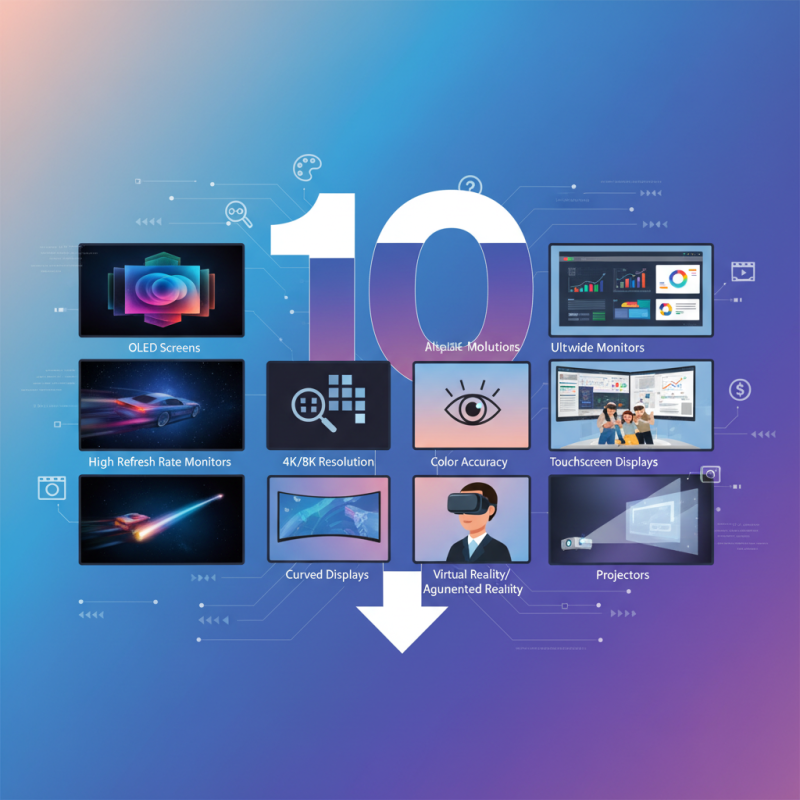
Various display solutions are available, each catering to different needs. For instance, OLED screens offer stunning colors and deeper blacks. On the other hand, high refresh rate monitors enhance gaming experiences by providing smoother motion. However, it's essential to choose the right solution for your specific requirements.
Not all display solutions are perfect, and some may come with limitations. For example, many high-end monitors can be expensive. It's important to weigh the benefits against your budget. Ultimately, investing in the right display solution can transform how you interact with digital content, enhancing not just enjoyment but also productivity.
Key Features of Display Solutions for Enhanced Visual Experience
When enhancing your visual experience, consider the key features that make a display solution stand out.
Resolution plays a crucial role.
Higher resolution provides sharper images. A 4K display offers clarity unseen in standard displays.
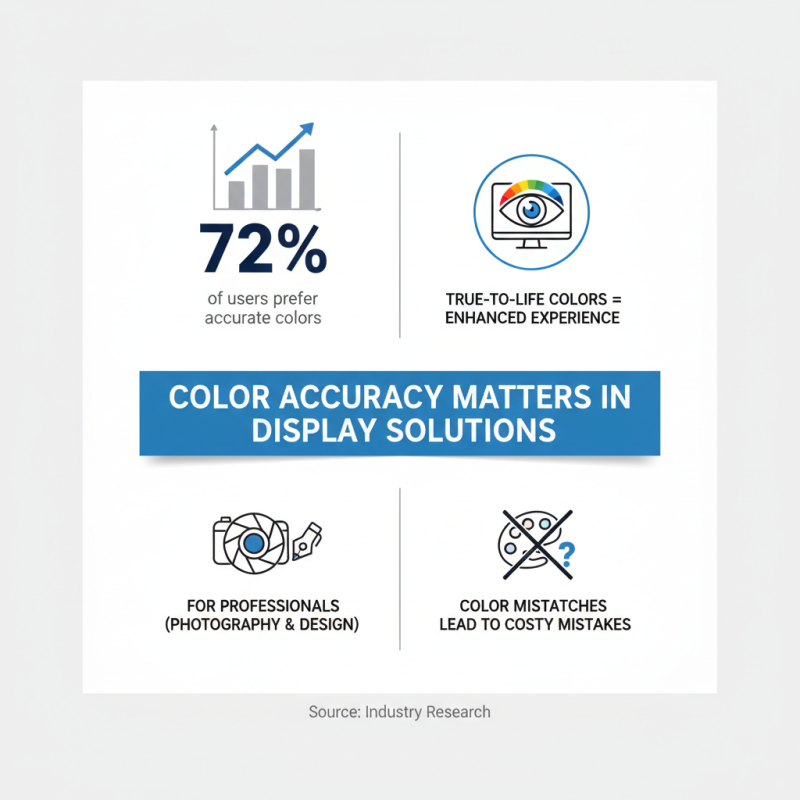
Colors must be vibrant and accurate. A wide color gamut enhances realism.
Deep blacks and bright whites create contrast. This balances the overall image.
Another important feature is refresh rate.
A higher refresh rate leads to smoother motion. It is especially important for gaming and video playback.
Response time affects how quickly pixels change.
Faster response times reduce blurring. This is vital for fast-moving scenes in sports or action movies.
Connectivity options matter too.
Multiple ports allow for versatile connections.
Users can switch between devices easily. Ergonomics, such as adjustable stands, enhance comfort.
They enable users to find the optimal viewing angle.
Despite these advancements, some displays still fall short.
Some may have color accuracy issues. Others might struggle with glare.
Each feature contributes to the overall experience.
Yet, not all displays fulfill every need perfectly.
Testing different solutions helps identify the best fit for your preferences.
Types of Display Technologies: LCD, OLED, and Beyond
When it comes to enhancing your visual experience, display technologies play a critical role. LCD, or Liquid Crystal Display, is one of the most commonly used types. It employs a backlight to illuminate pixels, producing vibrant colors and sharp images. However, it struggles with deep blacks and contrast levels. In bright environments, glare can also become a nuisance, overshadowing its strengths.
On the other hand, OLED, or Organic Light Emitting Diode, offers an impressive alternative. Each pixel emits its own light, resulting in true blacks and a wider color gamut. This technology excels in contrast and detail, making it ideal for cinematic experiences. However, OLED screens can suffer from burn-in issues over time, which requires careful management.
Beyond these, there are emerging display technologies like MicroLED and Mini-LED. Both promise enhanced brightness and energy efficiency. MicroLED displays can achieve vibrant colors without the downsides of OLED. Yet, they are still relatively new and often pricey. As consumers, the choices can feel overwhelming. Understanding the pros and cons of each type can pave the way for a more informed decision.
Top 10 Display Solutions for Enhancing Your Visual Experience
The Role of Resolution in Visual Quality: Understanding ppi and 4K
When it comes to visual quality, resolution plays a crucial role. The pixel density, measured in pixels per inch (ppi), directly impacts clarity and detail. A higher ppi provides sharper images, especially on smaller screens. For example, a 1080p display with a 5-inch screen can achieve around 441 ppi, delivering striking visuals. However, a standard 4K television offers only about 83 ppi at a typical viewing distance. This indicates that resolution alone doesn't guarantee a superior experience.
Moreover, the transition to 4K has become popular, but not without concerns. Many consumers overlook the importance of viewing distance. A report by the Consumer Technology Association showed that optimal viewing distance for a 4K TV is closer than for lower resolutions. This is a significant point; if users sit too far away, the advantages of 4K diminish. Additionally, not all content is produced in 4K, leading to a mismatch between display capabilities and available media.
Interpretation of resolution can be subjective. Some claim that higher resolutions create unrealistic images, lacking the warmth of lower resolutions. In art and photography, some professionals prefer lower resolutions to maintain a certain aesthetic. This raises questions about what enhances our visual experience. Are we chasing numbers, or do we appreciate the essence of what we see?
Innovative Features to Look for in Modern Display Solutions
When choosing a display solution, innovative features can greatly enhance your visual experience. Look for high resolution capabilities. Displays with 4K or higher resolutions provide sharper images and finer details. This clarity is especially useful for creative professionals. It also benefits gamers who need immersive environments.
Another feature to consider is adaptive refresh rates. These can minimize motion blur. They are essential for smooth gameplay and watching high-speed action scenes. HDR support is also crucial. It enhances contrast and color depth, allowing for more vibrant visuals. This improvement makes a significant difference in photography and video editing.
Don’t overlook connectivity options either. Modern solutions should support multiple input sources. It’s frustrating to deal with a display that doesn’t seamlessly connect to devices. Additionally, consider ergonomic features, like adjustable stands. These may improve your viewing comfort. However, it’s essential to balance advanced features with your specific needs. Not every innovation is necessary for every user. Reflect on your habits before deciding.
Top 10 Display Solutions for Enhancing Your Visual Experience
| Display Solution |
Resolution |
Refresh Rate |
Panel Type |
Special Features |
| Ultra HD Monitor |
3840 x 2160 |
60 Hz |
IPS |
HDR, Anti-Glare |
| Gaming Monitor |
2560 x 1440 |
144 Hz |
TN |
G-Sync, LED Backlight |
| Curved Display |
1920 x 1080 |
75 Hz |
VA |
Wide Viewing Angle |
| Portable Monitor |
1920 x 1080 |
60 Hz |
IPS |
Lightweight, USB-C Powered |
| 4K OLED Display |
3840 x 2160 |
60 Hz |
OLED |
Infinite Contrast, True Colors |
| Wide Format Display |
2560 x 1080 |
75 Hz |
IPS |
Multi-Display Setup, PIP Support |
| Smart Display |
1920 x 1080 |
60 Hz |
LED |
Streaming Apps, Voice Control |
| Touch Screen Monitor |
1920 x 1080 |
60 Hz |
IPS |
Multi-Touch, Interactive Features |
| Multi-Screen Setup |
Various Resolutions |
Variable |
IPS/VA |
Increased Productivity, Flexible Layouts |
| Professional Monitor |
2560 x 1440 |
60 Hz |
IPS |
Color Calibration, Wide Color Gamut |