How to Choose High Brightness LCD for Optimal Display Performance?
When selecting a high brightness LCD, several critical factors come into play. High brightness LCDs are essential in environments with abundant ambient light, such as outdoor settings or well-lit spaces. According to industry research from DisplayMate Technologies, high brightness LCDs can achieve over 1000 nits of brightness. This significantly enhances visibility, reducing glare and making images clearer.
Dr. Emily Tran, a leading expert in display technology, emphasizes, “Choosing the right high brightness LCD is crucial for maximizing display performance.” This statement reflects the importance of understanding specifications like luminance and contrast ratio. Consumers often overlook these details, leading to suboptimal choices. A bright display might seem appealing, but if the contrast ratio is inadequate, depth perception could suffer.
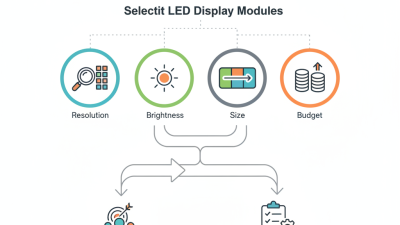
Choosing an appropriate high brightness LCD requires careful consideration of your specific needs. Factors like screen size, resolution, and intended usage scenarios should guide the decision. It's easy to get overwhelmed by the options available. However, focusing on performance metrics and expert advice can help streamline the selection process. Ensure your choice meets the unique demands of your environment for the best possible viewing experience.
Understanding High Brightness LCD Technology and Its Applications
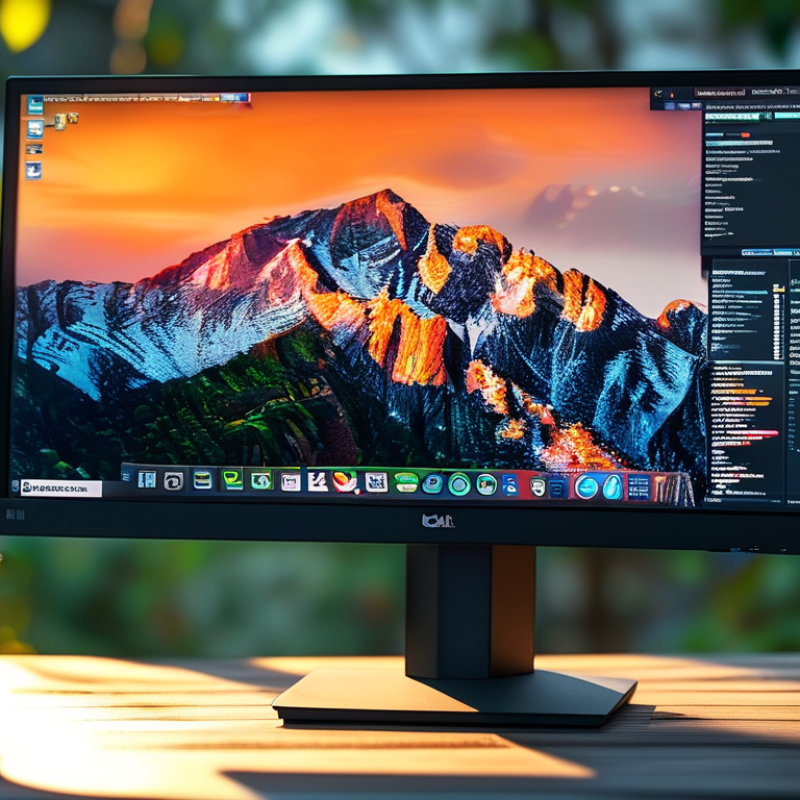
High brightness LCD technology has become essential in various industries. It excels in environments with intense ambient light. Retail displays, outdoor signage, and transportation systems benefit from its vivid visuals. These screens offer impressive brightness levels, often exceeding 1000 nits. Such luminosity makes them stand out, ensuring clarity in all conditions.
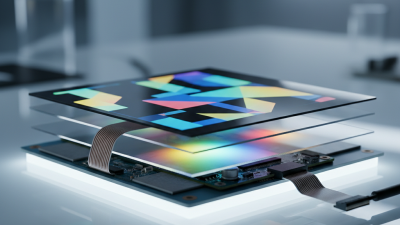
Understanding the components and workings of high brightness LCDs is crucial. A good LCD needs an efficient backlight system. This might involve LED or advanced lighting technologies. Also, anti-glare coatings help reduce reflections. Color accuracy is significant, especially in applications like advertising. Yet, balancing brightness with power consumption remains a challenge.
Installation can vary depending on the setting. Durability against weather elements is critical for outdoor displays. Choosing the right display means considering specific needs. However, potential overheating is a concern in some models. Ensuring proper ventilation is vital to prolong the lifespan. Selecting the ideal high brightness LCD involves thorough research and ongoing evaluation.
Key Factors Influencing Brightness in LCD Displays
When selecting a high brightness LCD, understanding the factors influencing brightness is essential. Brightness is primarily determined by the backlight technology used. LED backlighting is commonly preferred for its efficiency and brightness potential. However, not all LED backlights are created equal. Some utilize edge lighting, while others use a full-array approach. The latter generally offers better uniformity and higher brightness levels.
Another significant factor is the display panel type. IPS panels deliver superior color reproduction and wider viewing angles. However, they might not reach the extreme brightness levels of some VA panels. The coating on the screen also affects brightness perceptions. Anti-reflective coatings can improve visibility in bright environments, but they may also reduce the perceived brightness compared to glossy finishes.
Moreover, the ambient light conditions in which the LCD will operate play a crucial role. A display that performs well in a dim room may not suffice in direct sunlight. Testing the display in real-world conditions, if possible, is beneficial. High brightness alone does not guarantee optimal performance. Balance across these elements is key to achieving the best viewing experience possible.
High Brightness LCD Performance Factors
Comparative Analysis of Brightness Levels in Different LCD Types
When choosing an LCD display, brightness levels play a crucial role. Different types of LCD technology offer varying brightness capabilities. For instance, IPS panels provide better color accuracy and wider viewing angles. However, they may struggle to reach very high brightness levels. In contrast, TN panels often provide higher brightness but compromise on color accuracy and viewing angles. This can affect the overall visual experience.
Understanding the contrast between these types is essential. High-end LCDs can reach brightness levels of over 1000 nits. This is particularly beneficial in bright environments where readability and visibility are key concerns. Yet, not all applications require such intensity. In darker settings, excessively bright displays can cause eye strain. This raises questions about how much brightness is truly needed based on specific use cases and environments.
Ultimately, purchasing a high-brightness LCD involves balancing visual clarity and comfort. Brightness is just one aspect of display performance. Users should reflect on their needs: Are you watching videos, editing photos, or simply browsing? Each task might demand different brightness standards. Therefore, a well-rounded decision encompasses more than just a number on a spec sheet. It's about finding that sweet spot for your unique viewing context.
Evaluating the Impact of Ambient Light on LCD Display Performance
Ambient light significantly affects LCD display performance. In environments with high light levels, screens can appear washed out. This challenge is especially common in offices with large windows or outdoor settings. To combat this, high brightness LCDs have become essential in ensuring clarity and visibility.
However, higher brightness does not always mean better performance. For instance, excess brightness can cause eye strain in dimly lit conditions. Users need to consider their typical viewing environments. While a bright display enhances visibility in sunlight, it may overpower in darker spaces. Testing the LCD in various ambient conditions leads to informed choices.
Understanding the trade-offs in brightness settings is crucial. Some high brightness options may not deliver accurate color reproduction. Users might experience color distortion when settings are not optimized for ambient light. Therefore, evaluating how an LCD functions under different lighting scenarios is vital for achieving optimal display performance.
How to Choose High Brightness LCD for Optimal Display Performance? - Evaluating the Impact of Ambient Light on LCD Display Performance
| LCD Model |
Brightness (nits) |
Contrast Ratio |
Response Time (ms) |
Viewing Angle (degrees) |
Optimal Ambient Light (lux) |
| Model A |
1200 |
1000:1 |
5 |
178 |
1000 |
| Model B |
1500 |
1200:1 |
4 |
178 |
1200 |
| Model C |
800 |
800:1 |
6 |
178 |
800 |
| Model D |
2000 |
1500:1 |
3 |
160 |
1500 |
| Model E |
1800 |
1600:1 |
5 |
178 |
1300 |
Best Practices for Selecting High Brightness LCDs for Specific Uses
When selecting high brightness LCDs, understanding specific use cases is crucial. Brightness levels should match your environment. For outdoor applications, consider displays with at least 1500 nits. This allows for visibility even in direct sunlight, crucial for advertising and information displays. Research indicates that sufficient brightness can enhance user engagement by over 30%.
For indoor scenarios, the requirements may differ. An LCD with 700-1000 nits can suffice for brightly lit spaces. In darker environments, lower brightness may be optimal to avoid eye strain. Industry reports show that users are more likely to interact with displays that offer comfort and clarity. Adjusting brightness to suit the setting improves overall display performance and user satisfaction.
Consulting data from industry experts can guide your choice. Not all high brightness LCDs perform equally under varying conditions. Pay attention to factors such as contrast ratio and color accuracy. These elements impact usability significantly. Regular testing and feedback help in refining choices and ensuring optimal setups. The display must not only be bright but also reliable across different applications.